
As more organizations centralize their marketing data in BigQuery, it's common to see monthly costs increase over time. GA4 exports, advertising platforms, CRM systems, ecommerce transactions, and other data sources all contribute to larger datasets and more frequent queries.
The good news is that higher costs don't necessarily mean you need to store less data or limit reporting. In many cases, a few changes to how your data is stored and queried can significantly reduce costs while improving performance.
How BigQuery Pricing Works
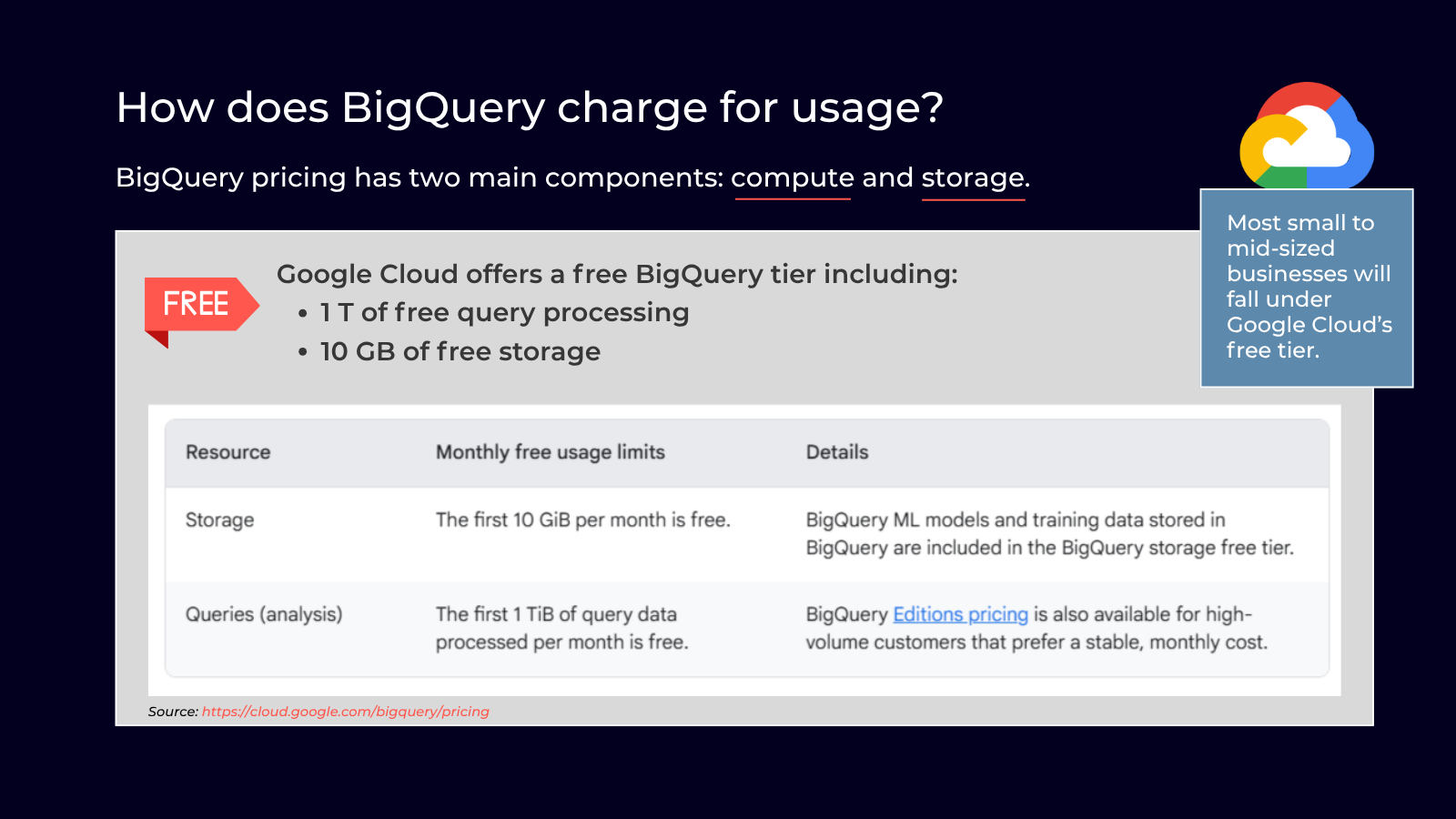
BigQuery pricing has two primary components:
- Compute is the cost of processing data when you run queries.
- Storage is the cost of keeping your data in BigQuery.
Storage costs typically increase gradually as your data grows. Compute costs, however, can rise much faster.
Every dashboard refresh, scheduled report, AI workflow, or ad hoc analysis processes data, and those queries add up quickly.
If your monthly bill is climbing, inefficient queries are often a bigger contributor than storage costs.
Understanding BigQuery's Free Tier
Google offers a free tier that includes 10 GB of storage and up to 1 TB of query processing each month, making BigQuery an affordable option for organizations getting started with GA4 exports and marketing analytics.
For many small and medium-sized businesses, these free usage limits are enough to support reporting without incurring additional costs.
As your datasets and reporting needs grow, optimizing your BigQuery environment becomes increasingly important to keep costs predictable.
Common Mistakes That Increase Your BigQuery Bill
Even well-designed reporting environments can become expensive over time. Some of the most common issues include:
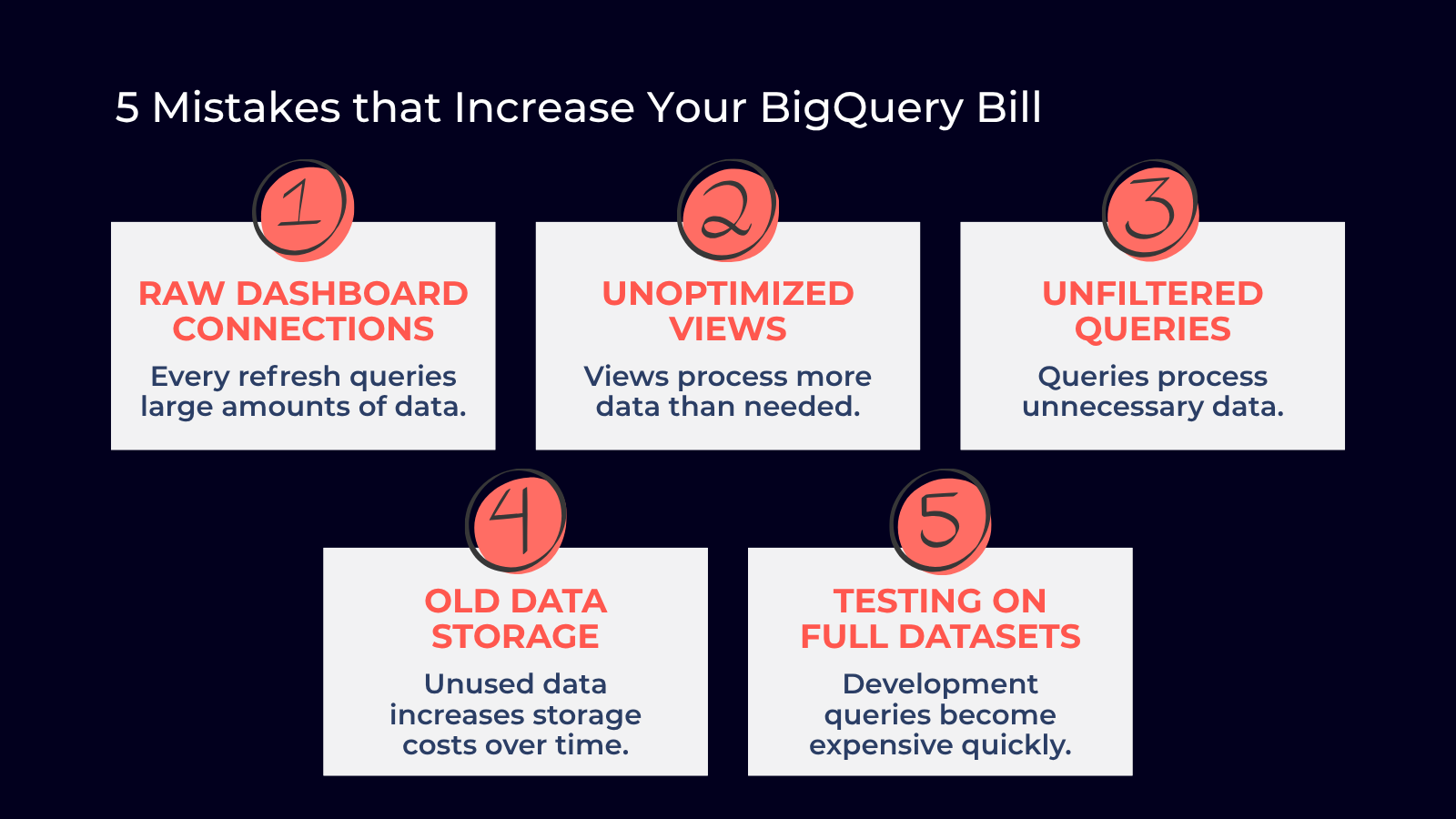
1. Connecting Dashboards Directly to Raw Data
Every dashboard refresh can scan millions of rows, even if users are viewing only a small portion of the data. Optimized tables or materialized views are often a more cost-effective option.
2. Using Unoptimized Views
Views simplify reporting, but poorly designed views may process much more data than necessary each time they're queried.
3. Querying More Data Than Needed
Queries that don't filter by date or other key dimensions often scan entire tables. Partitioning and targeted filters can dramatically reduce the amount of data processed.
4. Storing Old Data
Storing outdated or unused datasets increases storage costs over time. Establishing retention policies helps control long-term expenses while keeping your environment organized.
5. Testing Against Production-Sized Datasets
Running development or testing queries against very large tables can become expensive quickly.
Whenever possible, use smaller sample datasets during development before running queries against production data.
Easy Ways to Reduce Query Costs
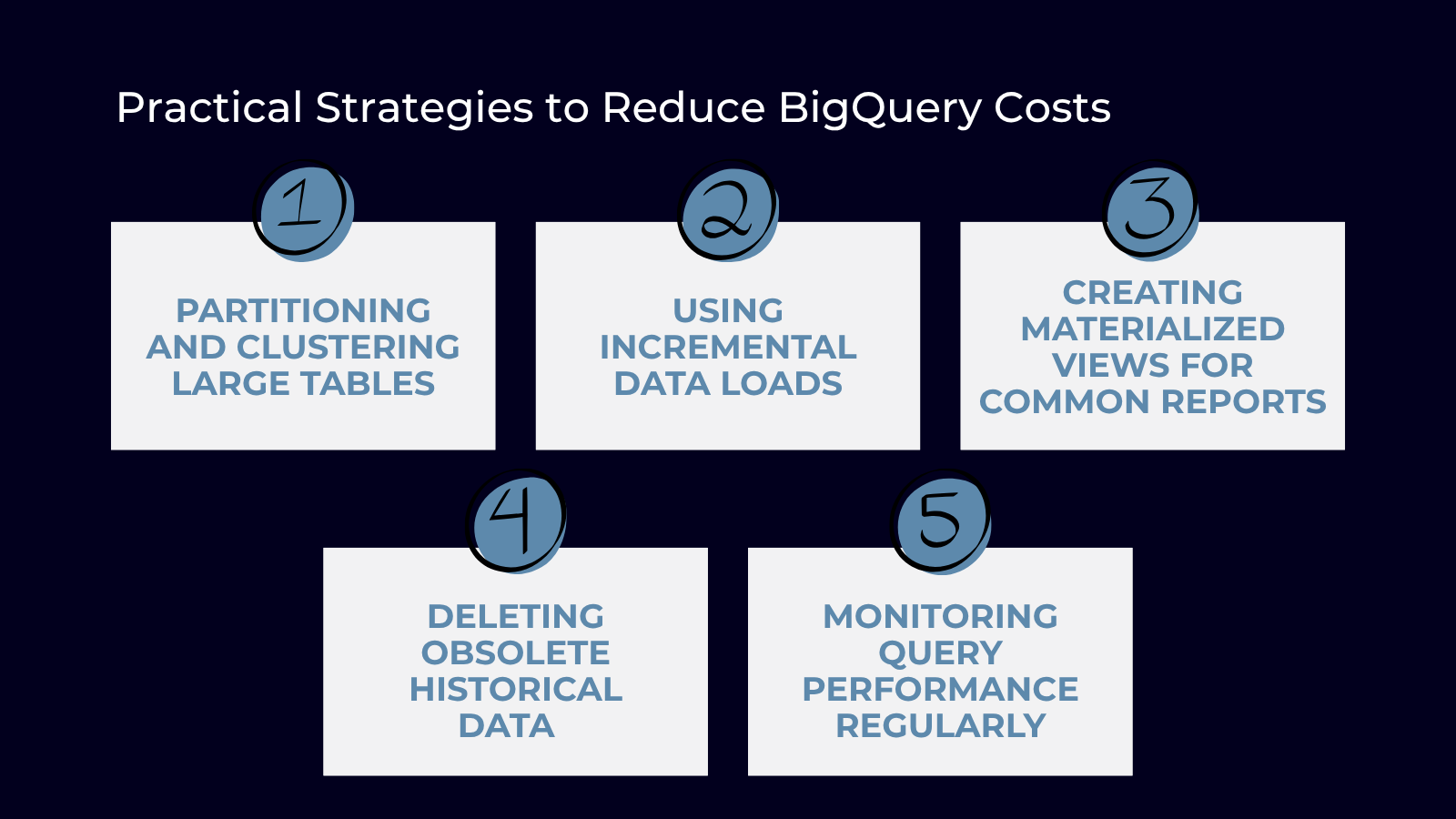
1. Partition and Cluster Large Tables
Partitioning divides a table into smaller sections, usually by date, so BigQuery scans only the data needed for a query instead of the entire table.
Clustering further organizes data within those partitions using frequently filtered fields such as campaign ID, customer ID, source/medium, or device category.
These features combine to reduce the amount of data processed while improving query performance.
2. Use Incremental Data Loading
Instead of rebuilding entire datasets, process only new or updated records. This reduces compute costs and speeds up data pipelines.
3. Create Materialized Views
Materialized views store precomputed query results for frequently accessed reports, allowing dashboards to load faster while processing less data.
4. Remove Unused Data
Keeping outdated datasets in active storage increases costs over time. Data retention policies help keep storage costs under control.
5. Monitor Query Usage
Review query history, identify expensive scheduled jobs, and set billing budgets and alerts to catch cost increases before they become recurring expenses.
When Should You Optimize?
If your BigQuery costs are increasing alongside your GA4 or marketing data, it's probably time to review how your data is stored and queried.
You should optimize if you:
- Notice BigQuery costs steadily increasing
- Have dashboards that load slowly
- Run frequent scheduled reports
- Store data from multiple marketing platforms
- Are preparing to use AI or advanced analytics
Small improvements today lead to significant savings as your data grows.
BigQuery Cost Optimization Best Practices
BigQuery is designed to scale, but your costs don't have to scale at the same rate.
Understanding how BigQuery pricing works, avoiding common mistakes, and implementing proven optimization strategies can reduce compute costs while maintaining fast, reliable reporting.
For many organizations, the biggest savings come from improving how BigQuery is used rather than collecting less data.
If you're looking to reduce BigQuery costs or improve your marketing data warehouse, Calibrate Analytics can review your environment and identify opportunities to optimize performance and lower costs.