Asking your data a question in plain English is a useful way to investigate performance.
- Why did sales drop last week?
- Which campaigns are generating our most valuable customers?
- Where are we losing potential buyers?
Conversational analytics makes these questions easier to explore without building a new report for every follow-up. You can investigate trends, compare segments, and dig into unexpected results through a natural conversation with your data.
But once you have an answer, what happens next?
Someone still needs to investigate the issue, combine all the data, update a working list, or assign a follow-up task. If those steps remain manual, the analysis only solves part of the problem.
Operational analytics takes the next step by connecting reliable data and business rules to the workflows you already use to run your business.
Comparing Conversational and Operational Analytics in Practice
Imagine you're part of a hotel chain's marketing team investigating a decline in website revenue.
Your analysis shows that paid traffic is holding steady, but bookings have dropped across several properties. That's a useful finding, but you still need to determine which properties need attention and why.
Now imagine a workflow that combines website analytics, advertising spend, and reservation data to check for this pattern every day. Using agreed-upon definitions and reporting periods, it flags properties that meet specific criteria. The results feed an operations dashboard or a task queue for further investigation.
Instead of rebuilding the same report each morning, you have an updated list of exceptions to review.
Conversational analytics still plays a role here. You can ask follow-up questions about a flagged property, compare its campaign performance, or investigate a sudden change. Operational analytics handles recurring checks, so the process doesn't depend on someone remembering to run a report.
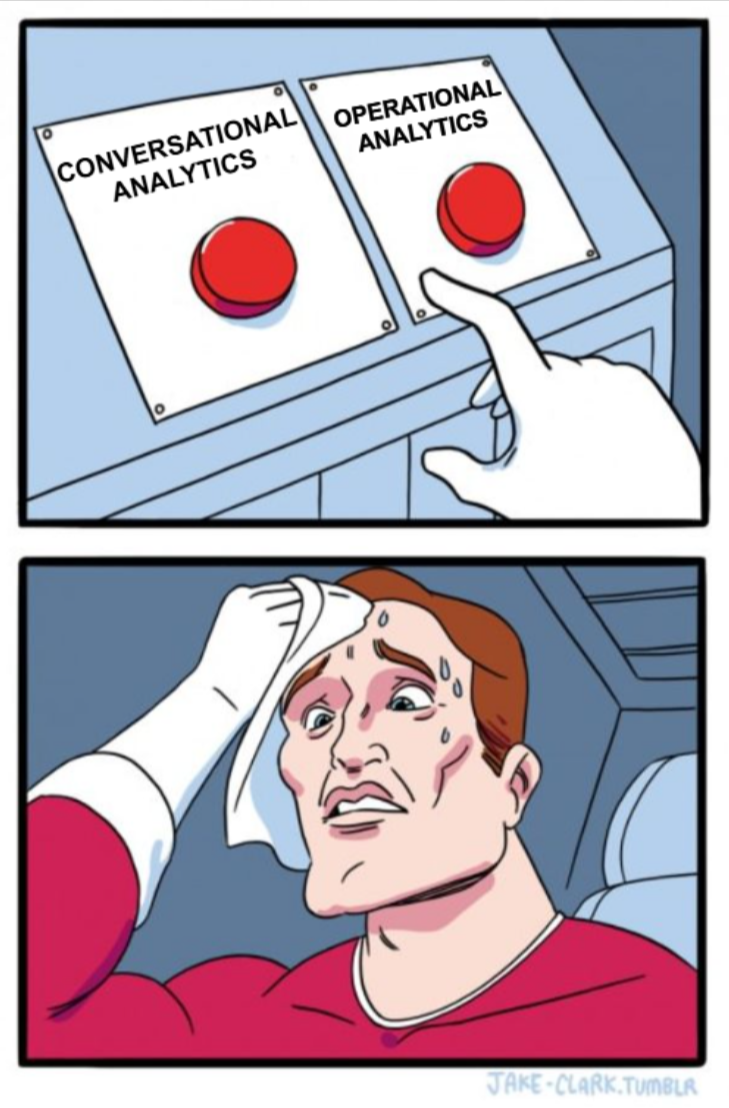
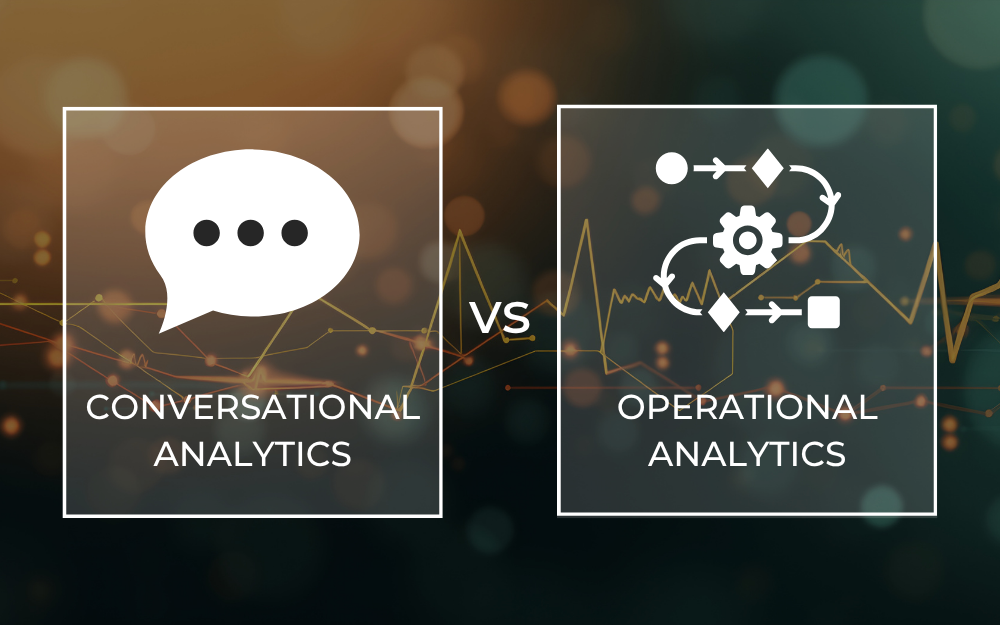
The two approaches serve different purposes. Conversational analytics is useful when you need to explore a question or investigate an unexpected result. Operational analytics is a better fit when you need to monitor specific conditions regularly and connect the results to an established business process.
Connect Your Data Before Automating Decisions
A useful business question rarely stays inside one platform.
Website analytics tracks visitor behavior. Advertising platforms report spend and campaign results. Reservation systems record bookings and cancellations. A CRM may contain customer and sales information.
Turning that information into an operational workflow requires more than putting the sources side by side.
Consider four requirements:
- Consistent definitions: Make sure everyone uses the same definition of a booking, conversion, or lead.
- Compatible reporting periods: A booking date and check-in date answer different questions. Advertising spend and reservation revenue also need comparable timeframes.
- Reliable data refreshes: A delayed reservation feed shouldn't trigger an alert suggesting that bookings have suddenly collapsed.
- Clear ownership: Someone needs to review exceptions, investigate problems, and decide what happens next.
These details determine whether an automated workflow produces useful results or creates more work for your team. They also provide the foundation for trustworthy conversational analytics. When metrics are inconsistent or source data is incomplete, findings might sound reasonable but don't reflect the full picture.
How Launchpad Supports Operational Analytics
Launchpad, Calibrate Analytics' no-code data management platform, helps simplify the recurring data work behind operational analytics.
It can extract, transform, and transfer data from the most popular data sources to destinations like BigQuery, Data Studio, Power BI, and Tableau. Its streaming capabilities also support event-driven data ingestion in real time.
Returning to the hotel example, Launchpad can bring website, advertising, and reservation data together into a regularly refreshed dataset. That dataset could then support a dashboard, exception report, or other downstream process.
The comparison rules, alert criteria, and actions would be designed around the available data and the business requirements.
It's important to distinguish data movement from workflow automation, since they serve different purposes. Preparing a dataset is one part of the solution. Updating a CRM, creating a task, or notifying the right person may require an API integration or custom implementation.
Launchpad provides a practical foundation for moving and preparing data.
Related Article: Enhancing ETL Platforms with Cross-job Dependency Management and Automation
Start With One Recurring Analytics Decision
You don't need to automate every business decision. Start with a question your team asks regularly and define what should happen when the data meets specific criteria.
For example, a marketing team might want to flag campaigns with ongoing advertising spend and declining conversion rates. An operations team might want to prioritize brands experiencing unusual changes in demand.
Before building the workflow, establish four things:
- Inputs: Which data sources and metrics are required?
- Frequency: How often should the data refresh and the checks run?
- Decision rules: What conditions should trigger a review, and how will you account for incomplete or delayed data?
- Ownership: Who receives the results, investigates exceptions, and approves any follow-up actions?
First, generate an exception list that someone can review. Once the data and rules prove reliable, you can consider additional steps.
Measure the results using practical outcomes, i.e. less time spent preparing reports, faster responses to performance changes, and fewer manual handoffs in order to determine whether the workflow is improving the way your team works.
Make Operational Analytics Part of Your Data Strategy
Conversational analytics gives you a more accessible way to investigate performance. Operational analytics connects those insights to repeatable processes, helping your team respond consistently when something needs attention.
Both depend on reliable data, shared metric definitions, and a clear understanding of how findings should be used.
If you have a recurring report that always leads to the same manual follow-up, the experts at Calibrate Analytics can help you explore the data connections, reporting requirements, and integrations needed to build a more practical workflow. Get in touch to discuss where to start.