Real-time analytics is not a single capability. Depending on the platform, it can mean seconds-level processing, data available within minutes, intraday refreshes, or finalized next-day reporting.
For teams managing marketing performance, customer experience, ecommerce, or operations, understanding these differences is critical to making faster and more accurate decisions.
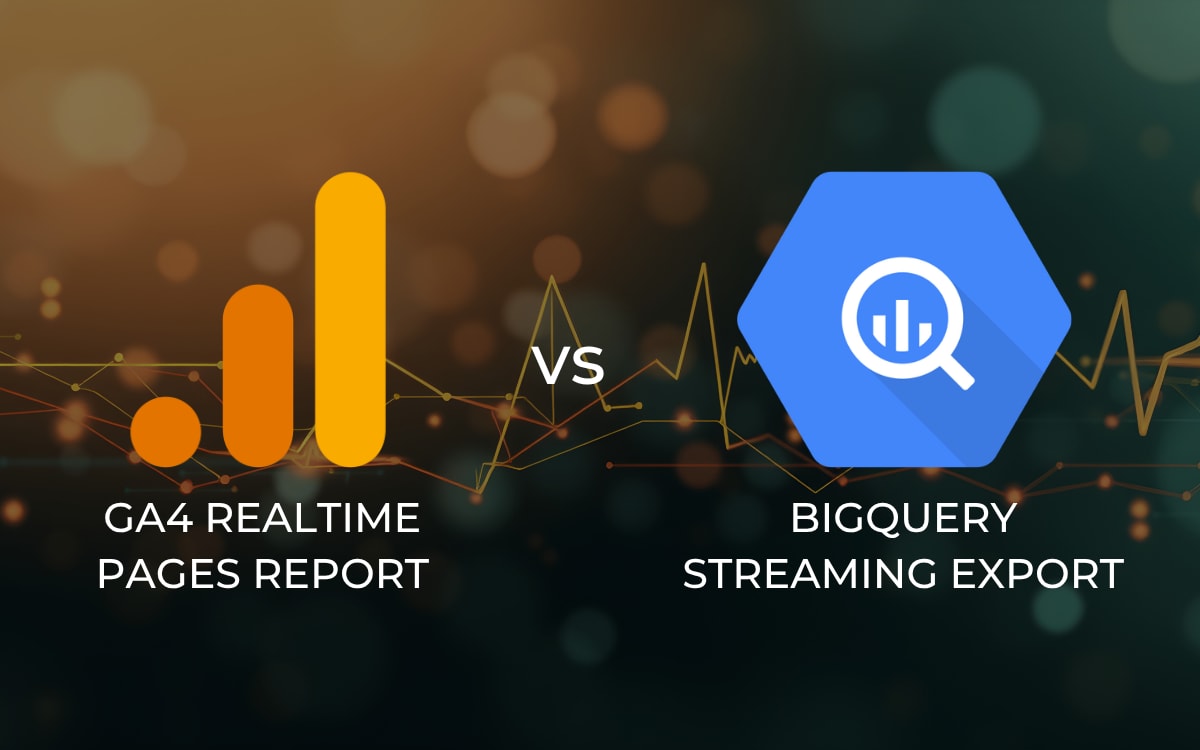
GA4 and BigQuery both support near real-time workflows, but they serve different purposes.
GA4 Realtime Reporting
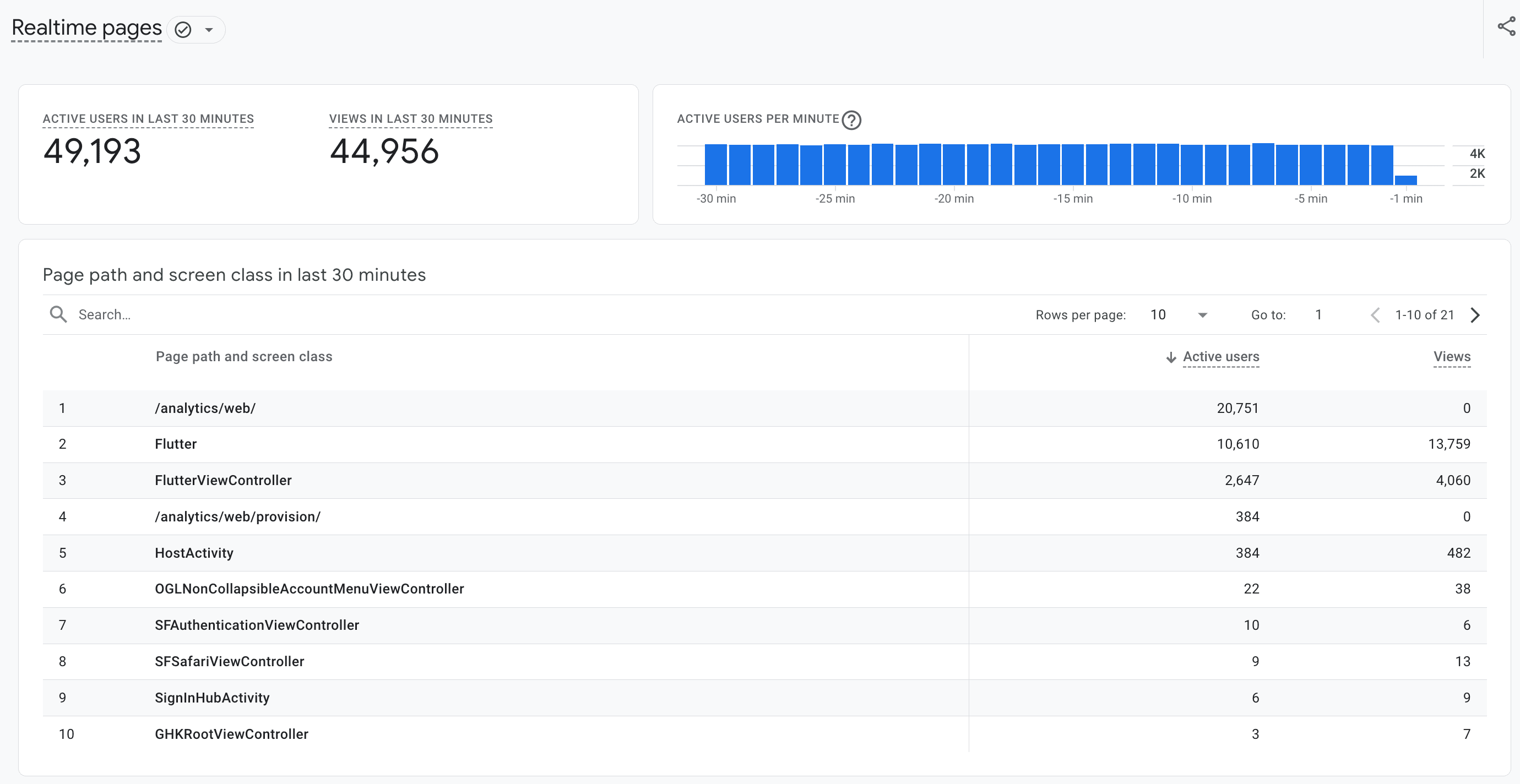
GA4 Realtime reporting provides a live view of activity from the last 30 minutes, making it useful for monitoring traffic, validating implementations, and checking campaign performance as it happens.
The Realtime pages report shows:
- Total views in the last 30 minutes
- Active users in the last 30 minutes
- Active users per minute in a bar graph
- A table of page paths and screen classes
- Views and active users by page or screen
This helps teams quickly identify:
- Popular pages
- Traffic spikes from campaigns
- High-performing landing pages
- Broken forms or site issues
- Sudden drops in engagement
For example, during a limited-time promotion, a retailer can quickly see which landing pages are receiving traffic and how many active users are currently on each page.
To access the Realtime pages report:
- Sign into your Google Analytics account.
- From the left menu, select Reports.
- On the left, click Realtime pages.
It's important to note that this is a best-effort service. Google specifically notes that occasional delays or disruptions may occur, and Realtime does not operate with a formal service-level objective.
Additional limitations include:
- No customization
- No comparisons or filters
- Limited dimensions and breakdowns
- Minimal attribution context
- No joins with CRM or revenue systems
- Limited historical analysis
This makes GA4 best suited for validation and short-term monitoring rather than deeper performance analysis.
More info: [GA4] Realtime pages report - Analytics Help
BigQuery Streaming Export
BigQuery extends GA4 by making raw event data available for querying through events_intraday tables, typically within minutes.
This supports more flexible reporting and analysis, including:
- Near-live dashboards
- Revenue and lead monitoring
- Funnel progression analysis
- CRM and media spend joins
- Anomaly alerts
This is especially useful when teams need to compare tracked analytics data with actual business outcomes.
For example, your dashboard can compare GA4 ecommerce revenue against actual online revenue, helping quantify performance gaps caused by cookie consent restrictions.
In some cases, consent blocking can suppress tracked revenue enough to make campaigns appear underperforming.
By reconciling tracked and actual revenue, teams may uncover 30%+ stronger campaign and production performance than GA4 alone suggests.
This is often one of the most valuable applications of BigQuery: separating measurement gaps from true performance issues.
More info: BigQuery Export - Analytics Help
Where Limitations Still Exist
Streaming export prioritizes speed over completeness.
Teams should expect that:
- Intraday data may be incomplete
- Some fields update later
- Attribution can take up to 24 hours to stabilize
- New user traffic source data may not be immediately available
- Daily finalized tables should be used for official reporting
Intraday data supports faster decision-making, but it should not be treated as final reporting.
Related: Bridge the gap between the Google Analytics UI and BigQuery export
Where Real-Time Data Creates the Most Value
Across industries, real-time reporting has many practical applications.
Marketing and Paid Media Optimization
Marketing teams benefit from being able to monitor and adjust performance while campaigns are still active.
Examples include:
- Tracking campaign pacing throughout the day
- Identifying sudden drops in conversion rates
- Detecting broken landing pages or tracking issues
- Adjusting budgets based on early performance signals
- Comparing channel performance as traffic comes in
Instead of waiting for next-day reporting, teams can make informed adjustments while spend is still being allocated.
Sales and Lead Management Workflows
Lead response time is a critical factor in conversion rates, particularly for high-intent channels like paid social and search.
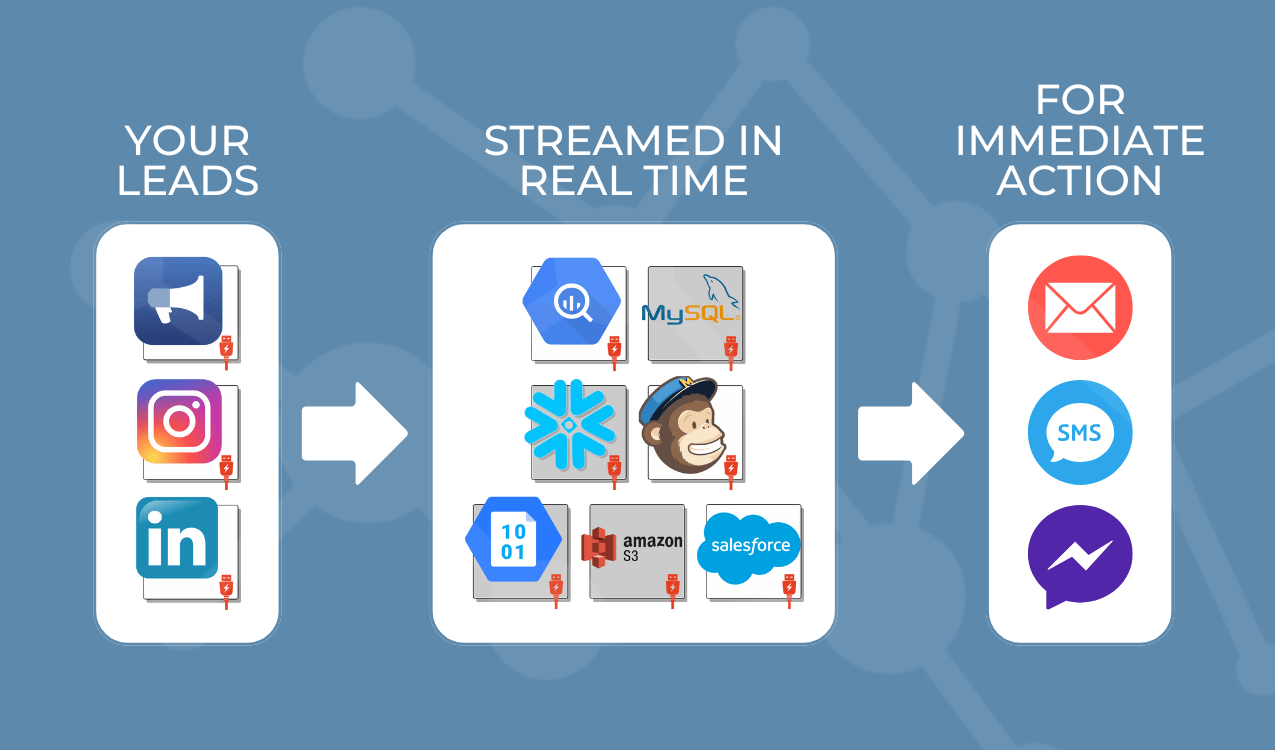
Platforms like Launchpad can capture lead form submissions from Facebook and Instagram in real time and route them directly into a database or CRM.
This supports workflows such as:
- Instant sales team notifications
- Automated lead scoring and routing
- Real-time CRM updates and enrichment
- Triggered follow-up emails or outreach sequences
- Segmentation based on lead quality or source
Reducing the delay between lead submission and follow-up improves both efficiency and conversion outcomes.
Related article: Automate the Real-Time Capture & Transfer of Leads to Your Database or CRM with Launchpad
Retail and Ecommerce Performance Monitoring
Retail and ecommerce teams use near real-time data to respond quickly to changing customer behavior.
Key applications include:
- Monitoring product demand and sales velocity
- Identifying spikes in cart abandonment
- Evaluating promotion performance by hour
- Adjusting inventory or pricing based on demand signals
- Tracking conversion rate changes during campaigns
This level of visibility allows teams to optimize performance within the same business day rather than reacting after the fact.
Hospitality and Customer Experience
For hospitality and service-based businesses, timing plays a major role in capturing demand and improving guest experience.
Real-time data can support:
- Monitoring booking funnel performance
- Tracking response to promotions or packages
- Analyzing onsite engagement and interactions
- Identifying drop-off points in the reservation process
- Responding to customer inquiries or behavior signals
These insights help teams make adjustments that directly impact revenue and customer satisfaction.
Operations and Business Intelligence
Beyond marketing and sales, real-time data is increasingly valuable for operational decision-making.
Examples include:
- Monitoring customer support volume and response times
- Tracking location-based traffic or engagement trends
- Identifying system or service disruptions
- Comparing actual performance against forecasts throughout the day
- Triggering alerts based on predefined thresholds
This expands the value of analytics beyond reporting into active business management.
When Streaming Pipelines Are the Better Fit
GA4 and BigQuery support reporting and analysis, but some workflows require immediate action, and this is where streaming pipelines like Launchpad make sense.
These pipelines support:
- Event-level data ingestion with minimal latency
- Real-time transformations before data reaches the warehouse
- Automated workflows triggered by user actions
- Instant synchronization across systems such as CRMs and messaging platforms
Platforms like Launchpad support these capabilities by enabling teams to route data from sources such as webhooks, chat interactions, and lead forms directly into downstream systems.
This is particularly important when actions need to happen within seconds rather than minutes.
Related article: Case Study: How a Luxury Resort Automated 90% of Facebook Chats
Bringing It Together
Real-time analytics is most useful when the data matches the decision you need to make.
Use GA4 Realtime when you need immediate visibility into what is happening right now:
- Validating tracking after a launch or update
- Confirming campaigns are live and driving traffic
- Monitoring active users and page engagement
- Identifying obvious issues like broken pages or missing events
This is best for quick checks and short-term monitoring.
Use the BigQuery streaming export when you need deeper analysis within the same day:
- Monitoring revenue, leads, and conversions as they come in
- Comparing GA4 tracked data to actual business data
- Analyzing funnel performance across multiple steps
- Joining analytics data with CRM, media spend, or backend systems
- Building dashboards that require more flexibility than GA4
This is best for decision-making and performance analysis, even if the data is not fully finalized yet. If the goal is immediate action, such as triggering workflows or updating systems in real time, a streaming pipeline becomes the next layer.
When choosing the right approach, ask yourself if you need to see activity, analyze performance, or act on events?
Ready to get started? Contact our team below or start your Launchpad free trial here.