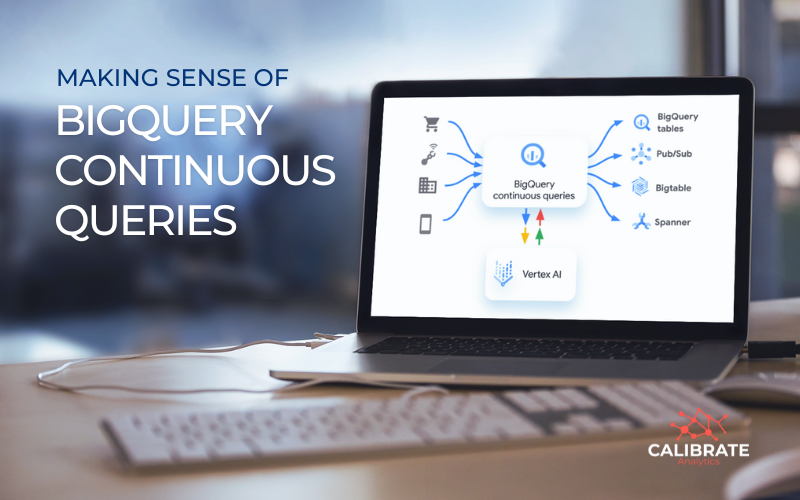
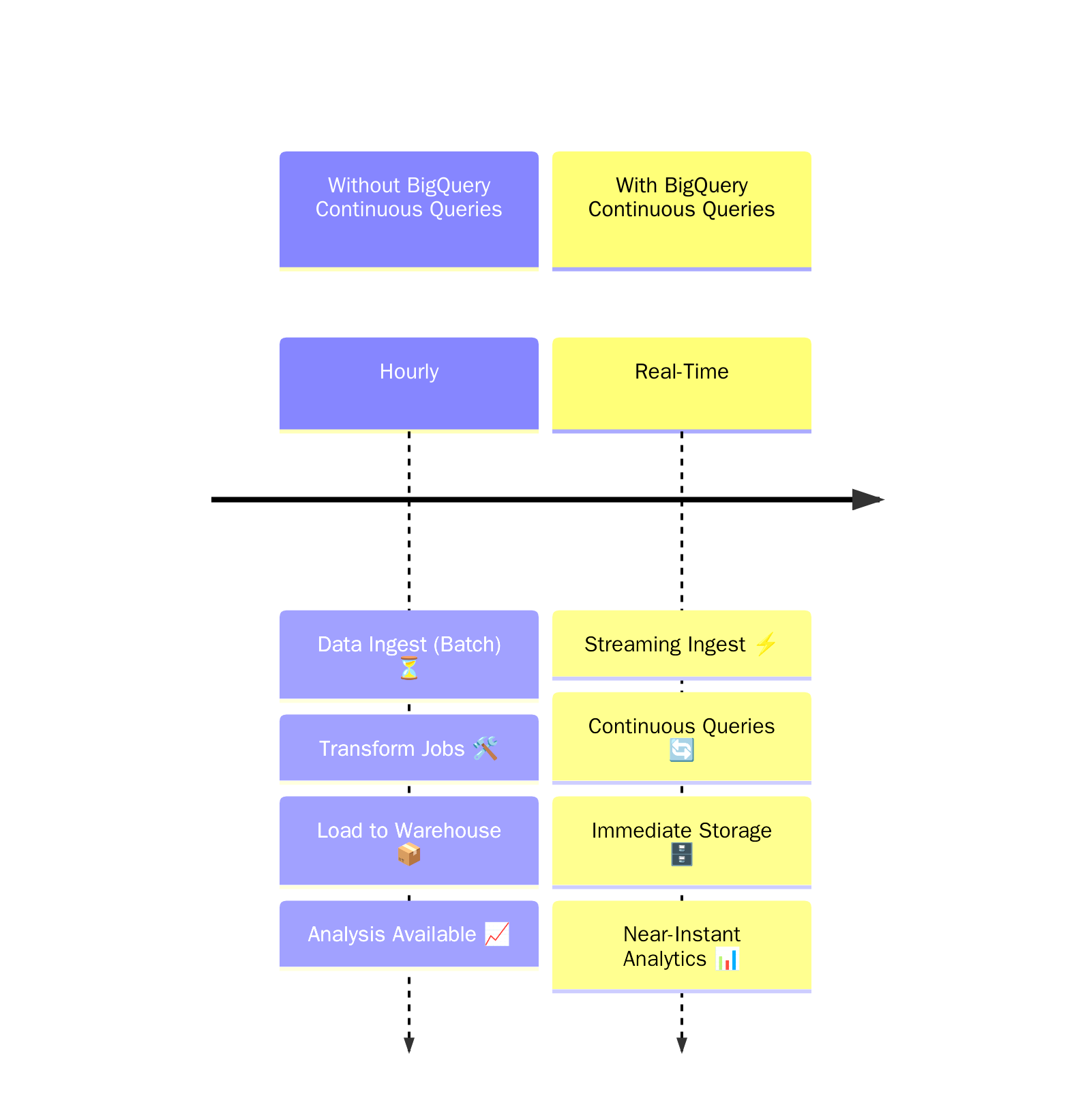
BigQuery has long been a trusted platform for analytics, known for handling massive datasets. With the arrival of Continuous Queries, it now adds something new: real-time event-driven processing.
Instead of waiting for pipelines to run or batch jobs to refresh, Continuous Queries let you process data the moment it streams into BigQuery, expanding your data warehouse into a real-time data engine.
Why Continuous Queries Matter
Continuous Queries help you keep a finger on the pulse of your data. Here's what makes them important:
1. Real-time Data Analysis
Analytics dashboards often rely on data that is hours or days old. Continuous Queries make your reporting layer live. With this capability:
- Fraud detection can trigger at the moment a suspicious transaction arrives.
- IoT sensor monitoring can surface anomalies immediately.
- Marketing campaigns can measure immediate performance.
2. Built-in Data Transformation
Continuous Queries let you prepare and refine data as it streams in, reducing the need for separate transformation steps later in the pipeline. Using SQL, you can:
- Clean and normalize values.
- Apply string functions to standardize formats.
- Use BigQuery ML or Vertex AI to enrich data with predictions such as sentiment analysis or classification.
3. Flexible Outputs to Multiple Destinations
The data doesn't have to stay in BigQuery. Continuous Queries can stream directly to:
- BigQuery tables for query-ready datasets.
- Pub/Sub topics to trigger downstream pipelines or applications.
- Bigtable or Spanner to feed operational systems (e.g., reverse ETL).
What's Supported (and What Isn't)
Continuous Queries are powerful, but they're designed for stateless, streaming-friendly processing, so not every SQL statement is available.
Supported features:
- Basic filtering and transformations
- Simple SELECT statements
- INSERT DML
- EXPORT DATA to Bigtable, Spanner, or Pub/Sub
Not supported at this time:
- Joins across multiple sources
- Aggregations such as SUM, AVG, or COUNT
- Window functions
For more complex logic or historical analysis, use batch or micro-batch queries.
Getting Started with Continuous Queries
Running a Continuous Query involves a few setup steps:
- Enable the feature in your project.
- Reserve slots under the BigQuery Enterprise or Enterprise Plus edition, assigning them to the CONTINUOUS job type.
- Write your query with the Console, bq CLI, or API.
- Define the start point using the APPENDS function in the FROM clause.

Pricing and Practical Considerations
- Billing is based on slot hours within your BigQuery reservation, with a minimum of one slot even when idle.
- Storage, ingestion, and exports (to Pub/Sub, Bigtable, Spanner, Vertex AI) are billed separately.
- Queries can occasionally reprocess, so downstream systems should be built with idempotency in mind in order to handle duplicates.
When Should You Use Continuous Queries?
This feature is best used when:
- You need an immediate response to the data (e.g., fraud detection, monitoring, or personalization).
- You want to streamline event-driven architectures without extra tools.
- You need SQL transformations before pushing data into apps, APIs, or ML systems.
For aggregations, complex joins, or long-term analysis, batch queries still make the most sense.
Next Steps
Continuous Queries expand BigQuery's role by bringing real-time streaming metrics into your analytics ecosystem, making it possible for you to work with data as it arrives, rather than waiting for pipelines or scheduled jobs.
At Calibrate Analytics, we help businesses configure BigQuery to balance efficiency and cost. If your team is exploring Continuous Queries or other strategies, we can guide you through the setup
Need help getting started?